
SnapTik – TikTok Video Downloader Without Watermark
Paste TikTok link and press Download.
- No Watermark
- HD MP4
- Photos
- MP3
Videos Without Watermark
MP4 in HD when available, with the logo removed.
Slideshow Photos
Save every picture as JPG, one by one or all at once.
Audio and Stories
Keep any sound as MP3 and save public Stories.
SnapTik is the quick way to save a TikTok video without the bouncing logo. Paste a TikTok link in the box above, press Download, and keep the clip as a clean HD MP4. Photo slideshows can be saved picture by picture, and any sound can be kept as an MP3. It all runs in your browser, with no app and no login. This SnapTik downloader is part of SSSTikTok.

What Is SnapTik?
Often typed as Snap Tik or SnapTik TikTok, it's a TikTok downloader. You give it a link, and it gives you the video file without TikTok's watermark. Most people use it for two things: clean videos they can edit or rewatch, and photo slideshows they want to keep.
How to Use SnapTik
Copy the link
In TikTok, press Share and choose Copy link.
Paste it above
Drop the link into the box and press Download.
Save it
Choose Without Watermark (HD), MP3, or the photo buttons.
On Android
Open this page in Chrome or Samsung Internet. Saved files go to the Download folder and show up in the Gallery shortly after.
On iPhone
Use Safari. Files go to Files > Downloads. Open the video and press Share > Save Video to add it to Photos.
On a Computer
Copy the video address from tiktok.com, paste it here and click Download. Check your Downloads folder.
SnapTik Features
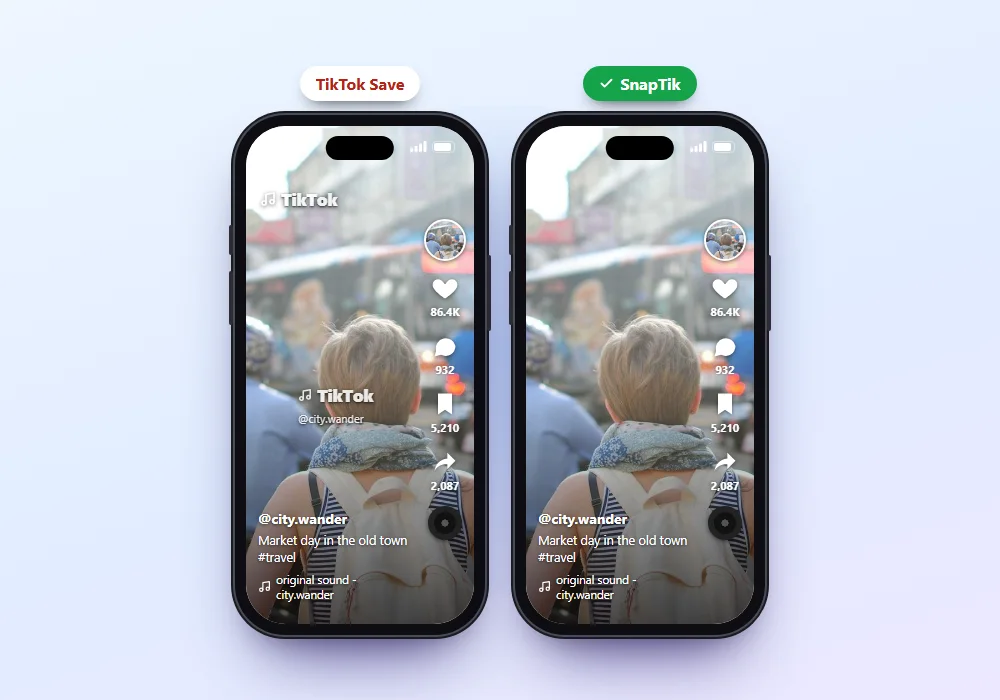
No Watermark
The TikTok logo and username are removed, so the clip looks the way the creator filmed it.

Slideshow Photos
Paste a photo post link and every picture appears with its own download button, plus the post's music.

Sound as MP3
Keep only the audio from any video as MP3. Handy for songs, voiceovers and trending sounds.
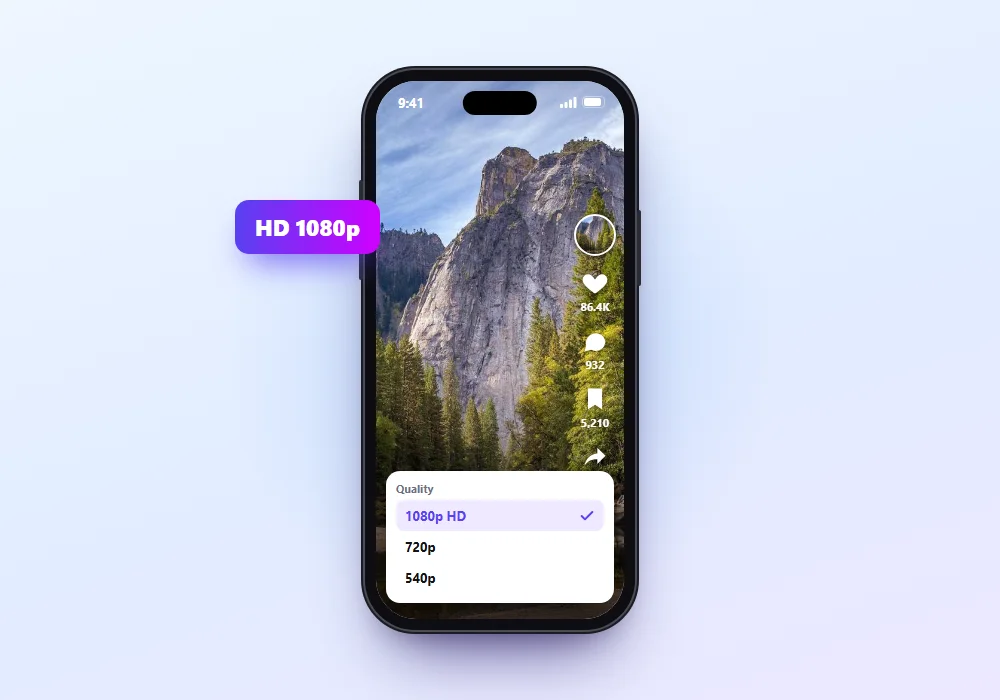
HD Quality
The download matches the best quality TikTok has for that clip.
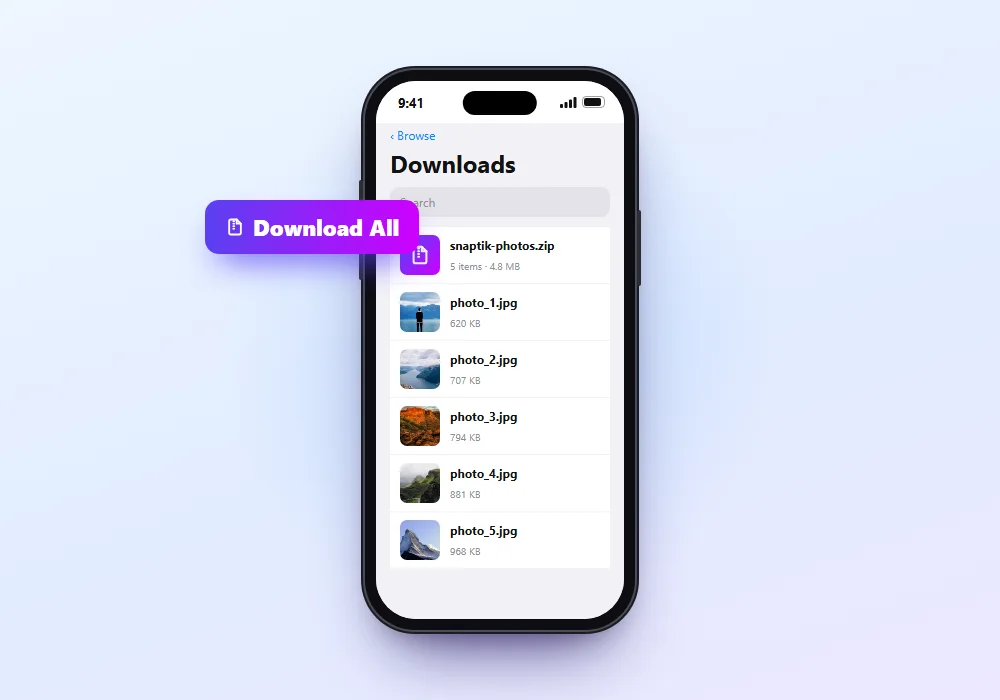
Save Every Photo
Want the whole set? Press Download All to get every picture in one ZIP file, or pick single images from the preview.
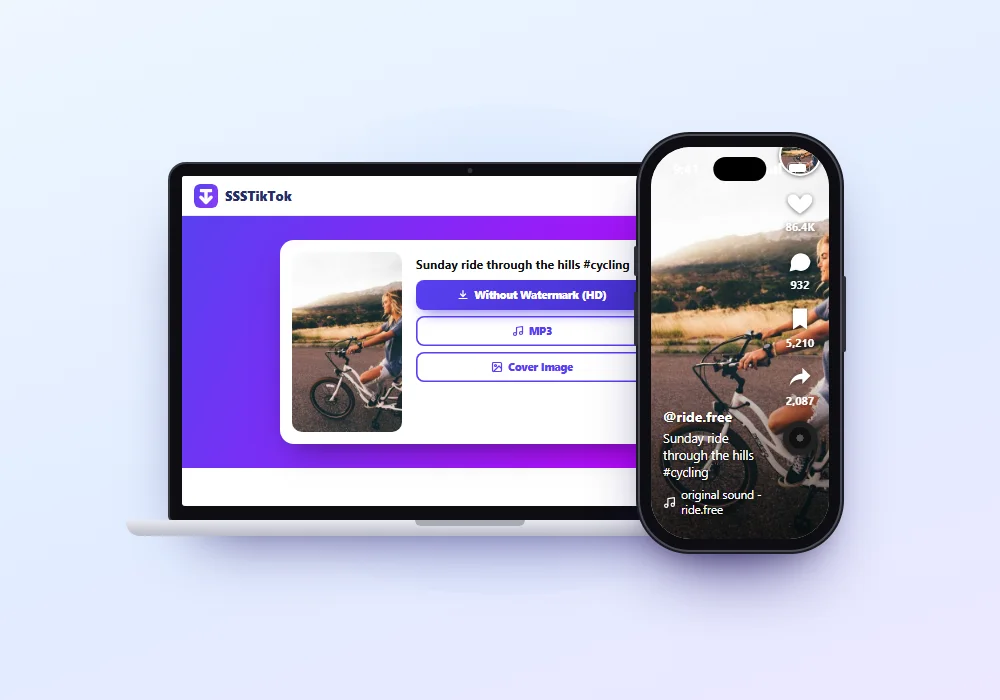
Works Everywhere
No app, no extension, no account. Any modern browser on any device will do.
Tips for Better Downloads
- Press Without Watermark (HD) first; it's the clean version.
- Use Wi-Fi for long videos.
- For photo posts, check the preview and skip pictures you don't need.
- Keep the file you saved for editing, not a copy from a chat app, which lowers the quality.
Pros and Cons
Pros
- Clean videos without watermark
- Slideshow photos, one by one or all at once
- MP3 in one press
- Free, works on every device
Cons
- Public videos only
- One download at a time
- Ads on the page
SnapTik Not Working?
- "Invalid link": recopy it from Share > Copy link and paste the full link.
- "Video not found": the video is private, deleted or region-blocked.
- The video plays instead of saving: long-press or right-click the button and choose Download link.
- Nothing happens on iPhone: open the page in Safari.
- No sound: TikTok muted the music, so there's no audio to save.
SnapTik FAQs
Is SnapTik free?
Yes. This SnapTik downloader is free to use, with no sign-up. Ads keep it running.
How do I download a TikTok slideshow with SnapTik?
Paste the photo post's link and press Download All for every picture, or the button under each photo. Press MP3 for the music.
Does it work on iPhone?
Yes. Use Safari on iOS 13 or later; files save to the Files app.
Do I need an app?
No. Everything works in your browser.
Can I download private videos?
No. Only public TikToks can be saved.
Is this the official snaptik.app website?
No. This SnapTik downloader page is part of SSSTikTok, an independent tool, and isn't run by snaptik.app.
Start Saving
Paste a TikTok link in the box at the top, press Download, and keep your video, slideshow photos or sound in seconds.