
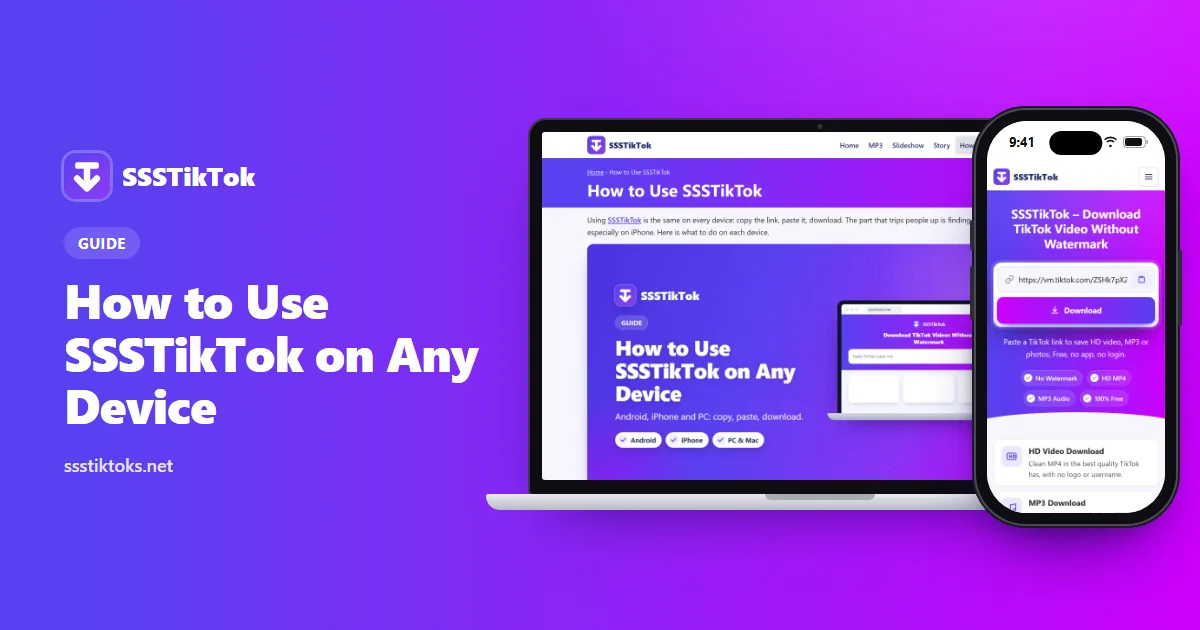
How to Use SSSTikTok
Saving a TikTok with SSSTikTok is the same on every device: copy, paste, download. The part that trips people up is finding the file afterwards, especially on an iPhone. This guide walks you through each device and shows where your video lands.
Getting the Link
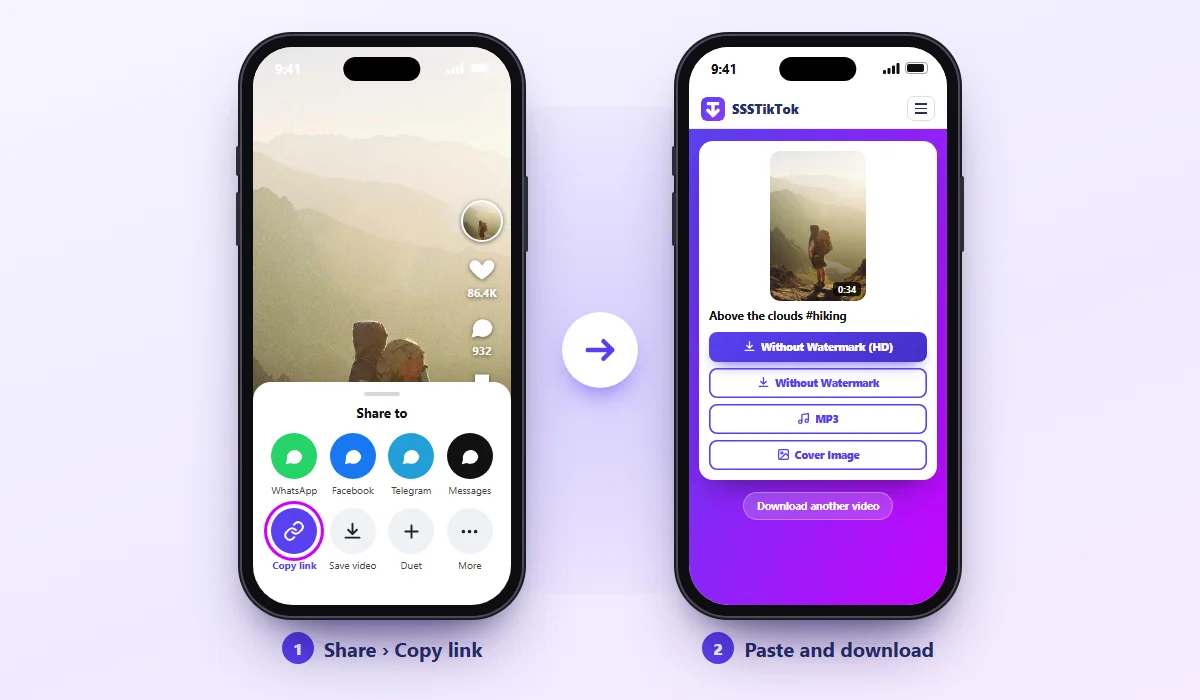
Everything starts with the video's link. Long links (tiktok.com/@name/video/…) and short ones (vm.tiktok.com/…) both work.
TikTok app
Tap the Share arrow beside the video, then Copy link.
TikTok website
Copy the address from your browser's bar.
On an Android Phone
Open the downloader in Chrome, Samsung Internet or any browser you like. Paste the link, press Download, then press Without Watermark (HD) or MP3.
A small "Download complete" message appears at the bottom; press Open to play it. Missed it? The file sits in the Download folder of your Files app (My Files on Samsung), and it usually shows up in the Gallery a few seconds later.
On an iPhone or iPad
Use Safari. Chrome and other iPhone browsers often can't save files properly.
Paste the link, press Download, then Without Watermark (HD). Safari asks whether to download the file; say yes. A small blue arrow appears in the address bar. Tap it to see your video.
The video is now in the Files app, but not yet in Photos. To move it, open the video in Files, press Share and pick Save Video. Your iPhone needs iOS 13 or later for Safari downloads.
On a Windows PC or Mac
Open TikTok in your browser, find the video and copy its address. Open SSSTikTok in another tab, paste, and click Download, then your format. The file goes to your Downloads folder.
Did the video start playing instead of saving? Right-click the download button and pick Save link as.
When Something Goes Wrong
| What you see | What it means | What to do |
|---|---|---|
| Invalid link | Part of the link is missing | Copy it again from Share > Copy link |
| Video not found | It's private, deleted or region-blocked | Check it plays in a browser while logged out |
| Button does nothing on iPhone | Wrong browser or old iOS | Use Safari, update iOS, pause content blockers |
| Video has no sound | TikTok removed the music | Nothing to fix; try another video |
| File won't open | Your player can't read it | Try VLC, or save a lower quality |
Small Habits That Help
Download on Wi-Fi when the video is long. Give files a clear name right away, because "video (12).mp4" is hard to find next month. Save new clips soon, in case they get taken down. And if you share someone's video with their OK, tag them.
Guide FAQs
What's the quickest way to use SSSTikTok on a phone?
Copy the link in TikTok, open the site in your browser, paste and press Download. The whole thing takes about ten seconds.
My iPhone download vanished. Where is it?
Open the Files app and look in Downloads. Use Share > Save Video to put it in Photos.
Do I need the TikTok app?
No. You can copy the link from the TikTok website instead.
SSSTikTok se video download kaise kare?
TikTok mein video ka Share button dabayein aur link copy karein. SSSTikTok kholein, link paste karein aur Download dabayein. Without Watermark (HD) chunein, aur video aapke phone ke Download folder mein aa jayega.
Why do some videos refuse to download?
They're private, deleted or blocked where you live. Only public videos can be saved.