
TikTok Story Saver
Paste a public Story link before it expires.
- MP4 Video
- No Login
- Free
Before It Expires
Save a Story while the 24-hour timer is still running.
MP4 Video
A file that plays on phones and computers.
Public Stories
Works with Stories from public accounts.
A TikTok Story only lives for a day. When the timer runs out, it's gone for good. If you want to keep one, paste its link here and save it as an MP4 with SSSTikTok while it's still up.
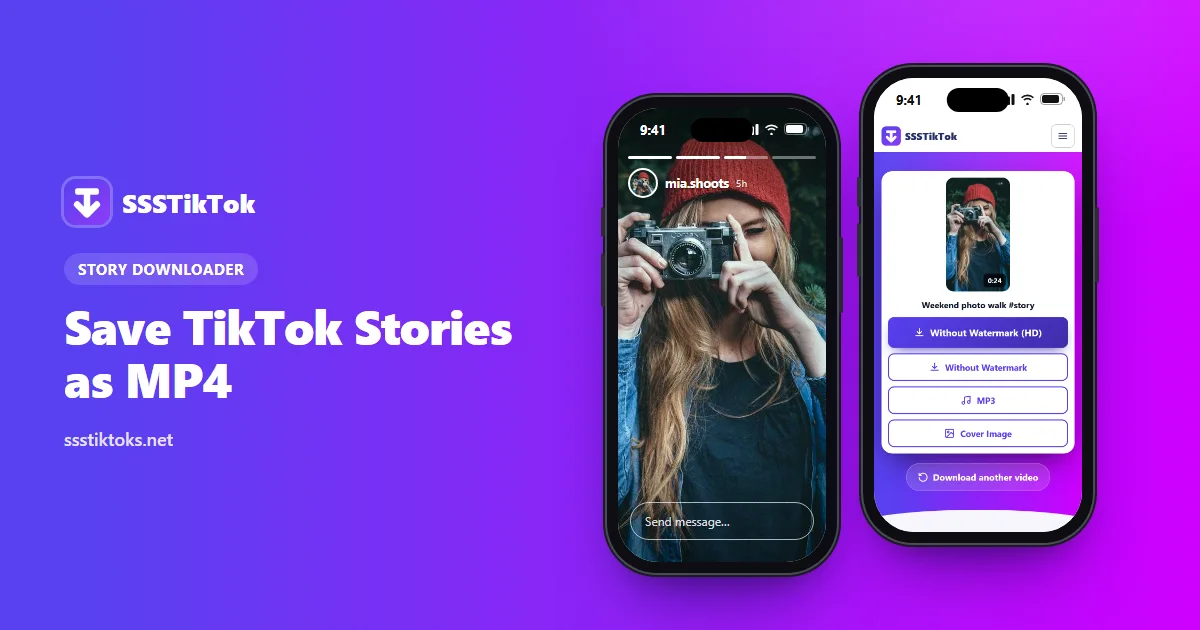
Saving a Story
Copy the Story link
Open the Story, then press Share > Copy link.
Paste and download
Paste it at the top of this page and press Download.
Save the MP4
Press Without Watermark (HD) to save it as an MP4.
Act fast. When the 24 hours are up, the link dies and the Story can't be saved by anyone.
Reasons to Keep a Story
- You posted it. TikTok won't keep it forever, so save the ones that matter.
- It's a moment you shared, like a friend's birthday clip. Ask them first.
- You'll be offline later and want to watch again.
The Fine Print
Public accounts only: Stories from private profiles can't be reached. The 24-hour limit is TikTok's, and no tool can get around it. And if you were logged in to TikTok when you watched, the owner can already see your name among the viewers. Saving it here doesn't change that, either way.
Story FAQs
Can I get a Story that expired yesterday?
No. Expired Stories are removed from TikTok, so there's nothing left to download.
Does saving a Story notify the person who posted it?
Saving it here sends no notice. TikTok's own viewer list works separately, based on whether you watched while logged in.
Do private Stories work?
No. Only public Stories can be saved.
What file do I get?
An MP4 video that plays on phones and computers.